BUSHIROAD LIVE FUSION
* Use Bluetooth.
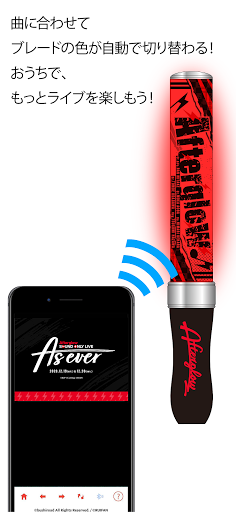
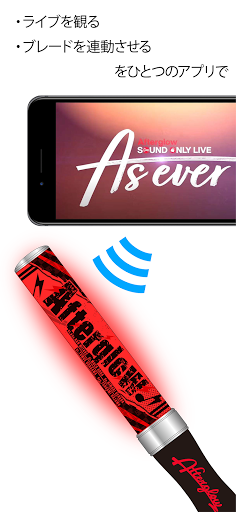
Please turn on the Bluetooth connection of the terminal.* A compatible product (Bluetooth compatible blade) is required to use the FUSION function.■ Connection methodPress the blade pairing switch to make it blink blue.↓Launch the app and tap the connection icon at the bottom right.↓Please choose the product you have.↓When the blade flashes red, the connection is complete!
Lets enjoy the live!
!!
■ Compatible terminalsAndroid 8 and above * Packet communication will occur, so please be careful about communication charges.* Please use in a place with good communication conditions.
© bushroad All Rights Reserved.
/ © RUIFAN
Please turn on the Bluetooth connection of the terminal.* A compatible product (Bluetooth compatible blade) is required to use the FUSION function.■ Connection methodPress the blade pairing switch to make it blink blue.↓Launch the app and tap the connection icon at the bottom right.↓Please choose the product you have.↓When the blade flashes red, the connection is complete!
Lets enjoy the live!
!!
■ Compatible terminalsAndroid 8 and above * Packet communication will occur, so please be careful about communication charges.* Please use in a place with good communication conditions.
© bushroad All Rights Reserved.
/ © RUIFAN
Features
👥
Social Features
Connect and share with friends and the community.
📊
Productivity Tools
Boost your productivity with powerful tools and features.
🚗
Automotive
Manage and monitor your vehicle with smart features.
Screenshots
See BUSHIROAD LIVE FUSION in Action

Get the App Today

Available for Android 8.0 and above
Ask AI about this app
Get instant answers about features, tips and more from popular AI assistants.